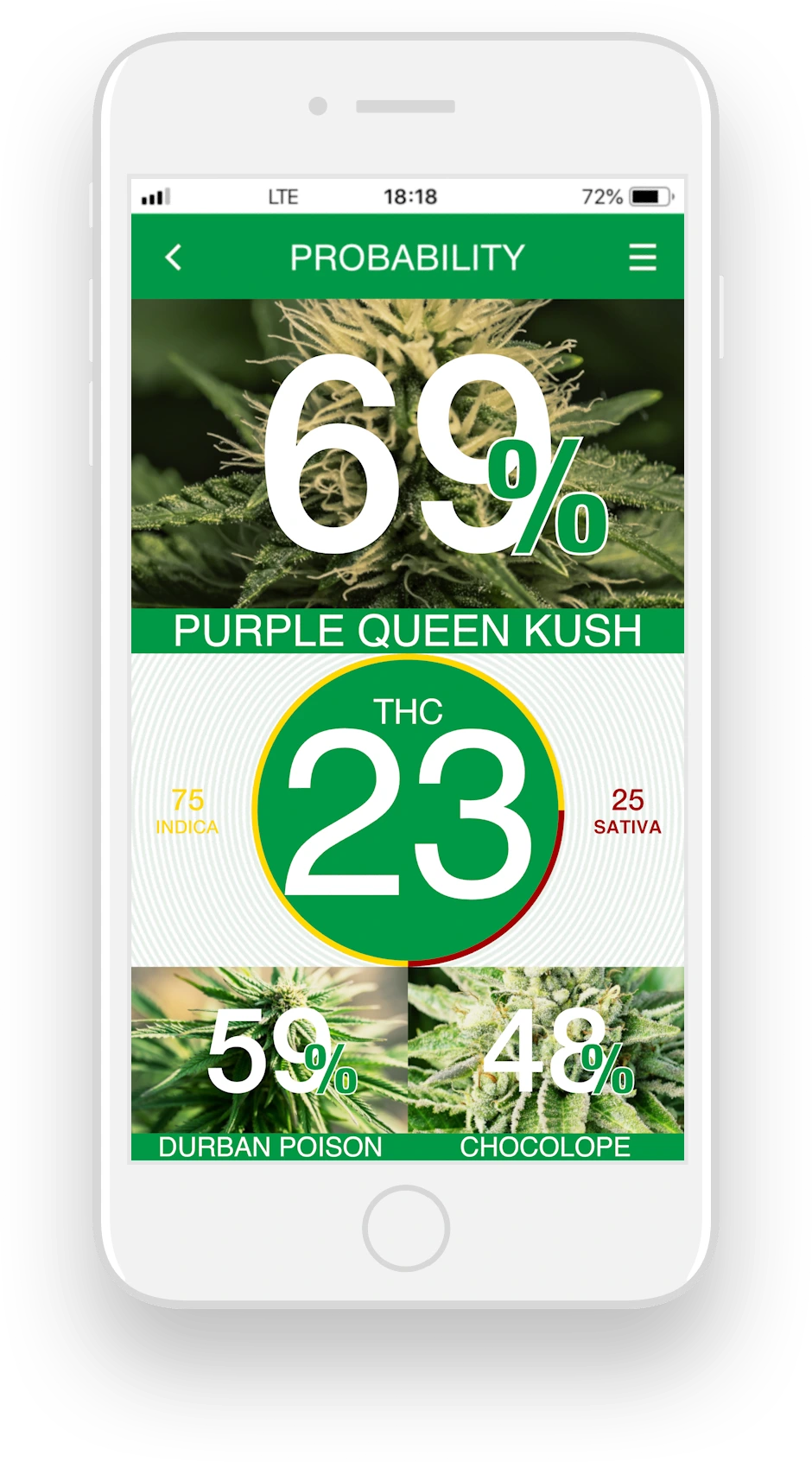
If you want a better weed strain identification result, start with the basics: photograph dry cannabis flower in bright, natural-looking light. Avoid colored LEDs, heavy shadows, flash glare, smoke, plastic bags, grinders, or anything that hides the nug surface.
1. Use soft, bright light
Place the flower near a window or under a neutral white lamp. The goal is even light across the bud. Strong yellow light can make green flower look brown; blue light can hide orange pistils; harsh flash can turn trichomes into white glare.
2. Fill the frame with one nug
KushScan works best when the flower is the subject, not a tiny object in the middle of a table. Move close enough to show texture, but not so close that the image becomes blurry. If your phone has macro mode, try it — then check that the whole nug is sharp.
3. Keep the background simple
A plain dark or light surface helps the app separate cannabis flower from the background. Avoid patterned fabric, branded packaging, hands, rolling papers, or mixed objects in the frame.
4. Choose the clearest single angle
KushScan currently analyzes one photo at a time, so make that image count. Pick the angle that shows the full dry flower clearly, with visible texture, color, trichomes, pistils, and structure in one sharp frame.
5. Do not edit the photo heavily
Filters, oversharpening, saturation boosts, and beauty modes change cannabis color and texture. Use the original camera photo whenever possible. Cropping is fine; heavy color editing is not.
Quick checklist before scanning
- Dry flower is clearly visible
- Neutral light, no colored tint
- Sharp focus on the bud
- Plain background
- No bag, smoke, grinder, or hand covering details
Better photos help KushScan do what it was built for: compare visible dry flower characteristics and estimate strain match, THC level, and indica/sativa ratio from image data.