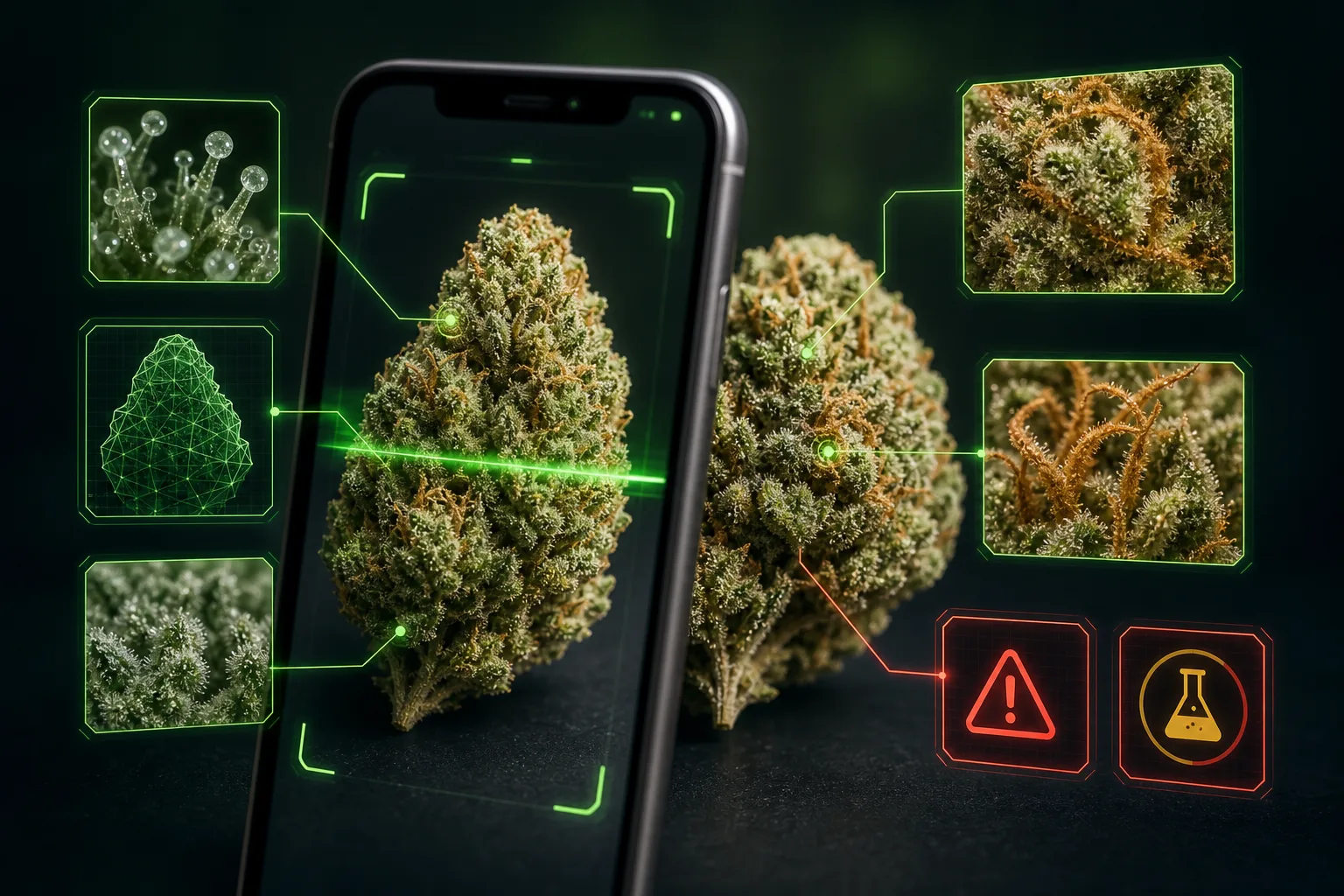
Searches for “weed scanner,” “strain identifier tool,” and “identify weed strain by picture” all point to the same real-world problem: people have flower in front of them and want more context. Maybe the label is missing. Maybe the strain name sounds suspicious. Maybe you are comparing dispensary batches. Maybe you simply want to understand why one nug looks dense and frosty while another looks loose, leafy, or old.
The best answer is not blind trust in an app and not cynical dismissal of photo tools. Image-based cannabis identification is a probability tool. It can help you compare visible features and learn strain-style clues, but it works best when paired with packaging, Certificates of Analysis, source reputation, and a realistic understanding of cannabis chemistry.
Weed scanner basics: what the camera is actually reading
A weed scanner is reading pixels, not DNA. A clear dry-flower photo can expose visual patterns that humans and image models can compare against other examples. Those patterns may include:
- Bud structure: dense, airy, spear-shaped, rounded, foxtailed, machine-trimmed, hand-trimmed, leafy, or compact.
- Color balance: bright green, olive, purple expression, amber tones, orange pistils, pale dryness, or brown oxidation.
- Trichome visibility: frosty resin coverage, cloudy-looking sparkle, damaged heads, or low visible resin.
- Freshness and handling: intact flower versus shake-heavy, stemmy, compressed, dusty, overly dry, or rough-trimmed material.
- Similarity to known examples: whether the image resembles flower commonly sold under certain strain families or categories.
That is useful. It gives you a visual vocabulary. But it is still a visual read. Cannabis identity is shaped by genetics, cultivation, harvest timing, curing, storage, labeling, and chemistry — not just what a bud looks like under one light source.
What a weed scanner can identify well
A good scan can help with practical, low-stakes questions. It can suggest likely strain-style matches, flag whether the flower looks more like a dense modern hybrid or a looser haze-style bud, and help you notice details you might otherwise ignore. It can also make cannabis education more concrete: instead of memorizing abstract terms, you can see how trichomes, pistils, calyxes, trim, and moisture cues show up in real images.
Photo tools are especially helpful for comparison. If two samples are labeled with the same strain name but one looks drastically different, a scan may encourage better follow-up questions: Are these from different producers? Different harvest dates? Different phenotypes? Was one stored poorly? Does the COA support the label?
For unlabeled flower, a scanner can narrow the search. It may identify plausible visual families or similar examples. That is not the same thing as proof, but it is often better than guessing from memory alone.
What cannabis photos cannot prove
The limits matter because cannabis marketing loves certainty. A photo cannot reliably prove:
- the exact strain name or breeder lineage;
- THC, THCA, CBD, CBG, CBN, or total cannabinoid percentage;
- terpene profile, aroma chemistry, or flavor compounds;
- whether the product is hemp or marijuana under a specific law;
- whether the batch passed pesticide, microbial, heavy-metal, mycotoxin, or residual-solvent testing;
- whether a product is safe for a medical condition, medication interaction, pregnancy, driving, or work rules;
- how high, sleepy, anxious, focused, or hungry a person will feel.
That is why lab testing and labels exist. The National Center for Complementary and Integrative Health notes that cannabis contains hundreds of chemical substances, including many cannabinoids. The FDA also warns that cannabis-derived products can raise safety, quality, labeling, and unproven-claim concerns. Those are chemistry and regulation questions; a camera cannot settle them.
Why strain names make weed scanner results tricky
Strain names are useful cultural shorthand, but they are not perfectly standardized scientific labels. The same name can appear across different growers, cuts, seed lines, regions, and retail menus. A famous label may describe real lineage, a broad style, a local clone, or sometimes marketing momentum.
Peer-reviewed work on cannabis chemovar naming has found that commercial strain names can misrepresent chemical and genetic diversity. In plain English: two products with the same strain name may not be chemically identical, and two products with different names may share meaningful similarities. That does not make strain names worthless. It means you should treat them like starting points.
This is where a weed scanner can be educational. If a photo match says “this resembles X,” the useful next move is not “case closed.” The useful next move is to compare the visible traits, read the label, check the COA if available, and decide whether the suggested category makes sense.
How to get a better weed scan
Most bad scans start before the app opens. Image quality controls how much detail the model can see.
- Use bright indirect light. Window light is often better than flash or colored LEDs.
- Fill the frame with one dry flower bud. Avoid piles of mixed buds, jars, bags, fingers, grinders, or busy backgrounds.
- Keep the camera steady. If trichomes and pistils blur together, the scanner loses useful texture.
- Avoid filters and heavy edits. Color shifts can make purple, amber, green, and orange cues misleading.
- Show realistic scale. Extreme macro can hide overall structure; photos from too far away hide detail.
- Choose the best single frame. You can take several candidate photos, but submit the one image that shows density, shape, trim, and surface detail most clearly.
For a deeper checklist, read our guide on how to take better weed photos for cannabis strain identification.
How to combine app results with COAs and labels
The strongest workflow uses each tool for what it does best. Let the scanner handle visual comparison. Let the label handle product identity, batch number, harvest or package date, producer, and required warnings. Let the COA handle measured cannabinoids, terpenes, and contaminant testing when available.
- Scan first: use a clean photo so you can evaluate the visual result without overfitting to the label.
- Compare the match: ask whether the suggested strain family, flower structure, and color cues look plausible.
- Read the packaging: check strain name, producer, batch number, harvest date, and test date.
- Check the COA: make sure the batch information matches and look for cannabinoid, terpene, and safety-test results.
- Stay cautious with effects: THC percentage and strain names do not predict everyone’s experience.
Regulator guides, such as New York’s certificate-of-analysis materials, emphasize matching the COA to the product and batch. That is exactly the kind of verification a photo cannot replace.
When a weed scanner is most useful
A scanner is most useful for education, comparison, and curiosity. It can help you understand what makes flower look like a classic strain family, why dense buds are not automatically “better,” why old flower can look dull, and why trichome coverage is only one part of quality. It can also help people build confidence reading cannabis menus without treating every name like a guarantee.
It is least useful when the question requires proof. If the stakes involve medical decisions, legal risk, workplace testing, driving, contaminants, dosing, or product safety, use regulated products, verified lab data, and qualified guidance where appropriate.
Try a weed scanner built for dry flower photos
KushScan helps compare dry cannabis flower images against visual strain-style patterns, likely matches, sativa/indica ratio, and estimated THC context — while keeping lab testing and labels in their proper lane.
Download KushScanThe takeaway
A weed scanner can teach you a lot from a good cannabis photo: structure, color, visible resin, freshness clues, and similarity to known examples. It cannot certify strain identity, potency, terpene profile, contaminants, legality, or personal effects. Use image recognition as a smart visual assistant, then verify important claims with labels, COAs, and trustworthy sources.
Sources
- NCCIH: Cannabis, Marijuana, and Cannabinoids — What You Need To Know, NIH consumer overview of cannabis, cannabinoids, THC, and CBD.
- FDA: What You Need to Know About Cannabis and Cannabis-Derived Products, Including CBD, safety, quality, labeling, and unproven-claim context.
- Cannabis Chemovar Nomenclature Misrepresents Chemical and Genetic Diversity, peer-reviewed research on limits of strain-name reliability.
- New York Office of Cannabis Management: How to Read a Certificate of Analysis, regulator guidance on product and batch-level COA verification.
- NIST: Cannabis Laboratory Quality Assurance Program, context on the need for accurate cannabis laboratory measurements.